
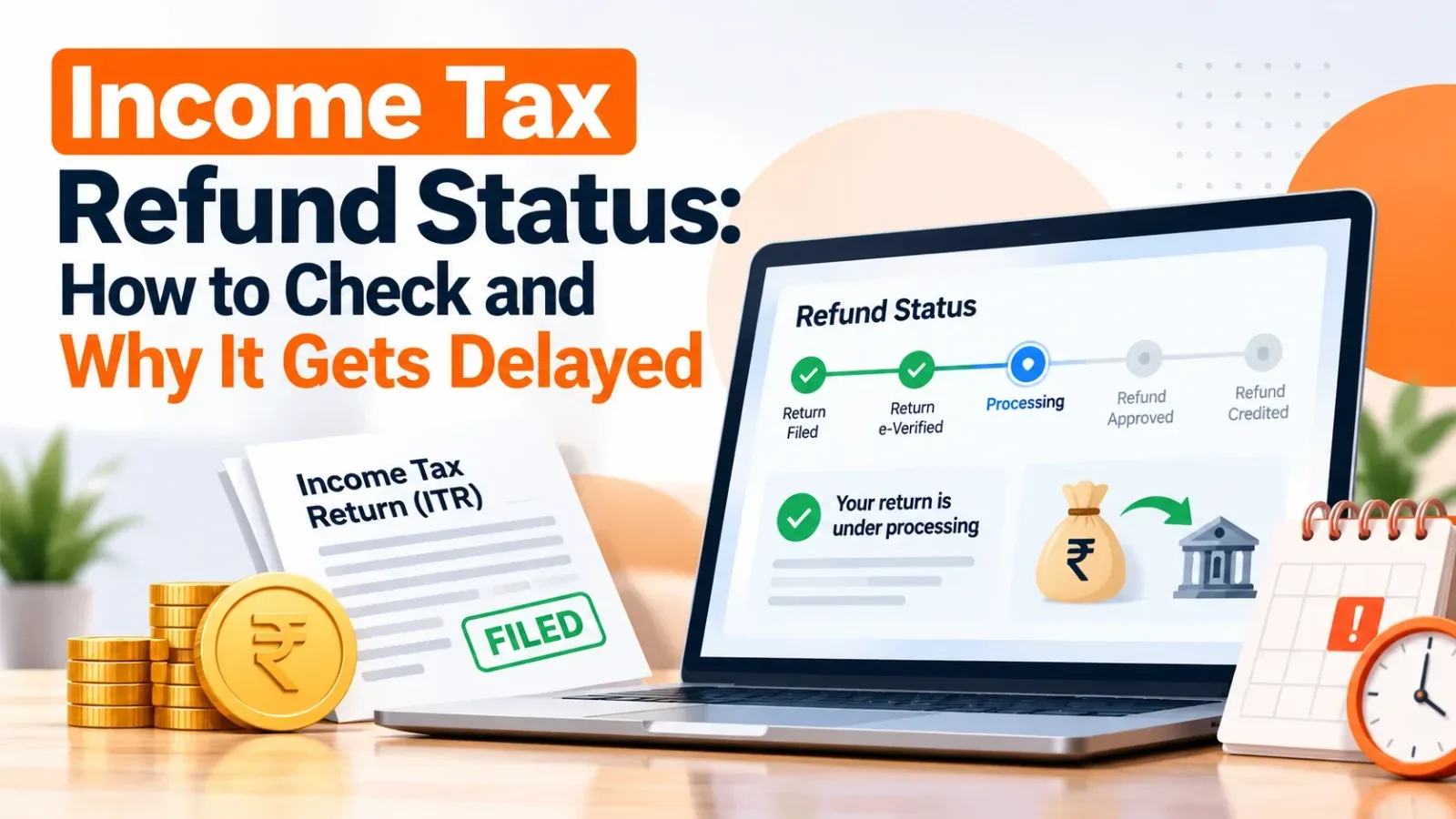
Filed your return but the refund has not arrived? You are not alone. Most refund delays have a simple cause that can be fixed from home.
Here is how to check your refund status and what each common problem means.
How to check your refund status
- Log in to the Income Tax e-filing portal at incometax.gov.in.
- Go to e-File → Income Tax Returns → View Filed Returns.
- Open the return for the year and check its status and refund details.
You can also check the refund issued by the Refund Banker through the NSDL/Protean refund status page using your PAN and assessment year.
Why is my refund delayed?
The return is not e-verified
A return is not processed until it is verified. E-verify with Aadhaar OTP or net banking within the allowed time after filing.
Bank account is not pre-validated
Refunds are paid only to a pre-validated bank account linked to your PAN. Check under Profile → My Bank Account.
Mismatch with AIS or Form 26AS
If the income or TDS you reported does not match what the department sees, processing can stop or the refund can be reduced.
Outstanding demand from an earlier year
The department may adjust your refund against an old demand. You will usually get an intimation first — respond to it.
PAN–Aadhaar not linked
An inoperative PAN can hold refunds. Link PAN with Aadhaar on the portal.
Note: Refunds on returns that match AIS and have a validated bank account are usually processed faster.
What to do if the refund is still stuck
Check the status message carefully, respond to any pending action on the portal, and raise a grievance if needed. If you have received an intimation under section 143(1) with a lower refund, compare it with your return line by line.